7 Signs Your Website Is Secretly Destroying Your Business Reputation
Most business owners think about their website the way they think about their office fit-out. You invest in it once, it looks good, and then you move on. The website exists. It has your phone number on it. That is enough.
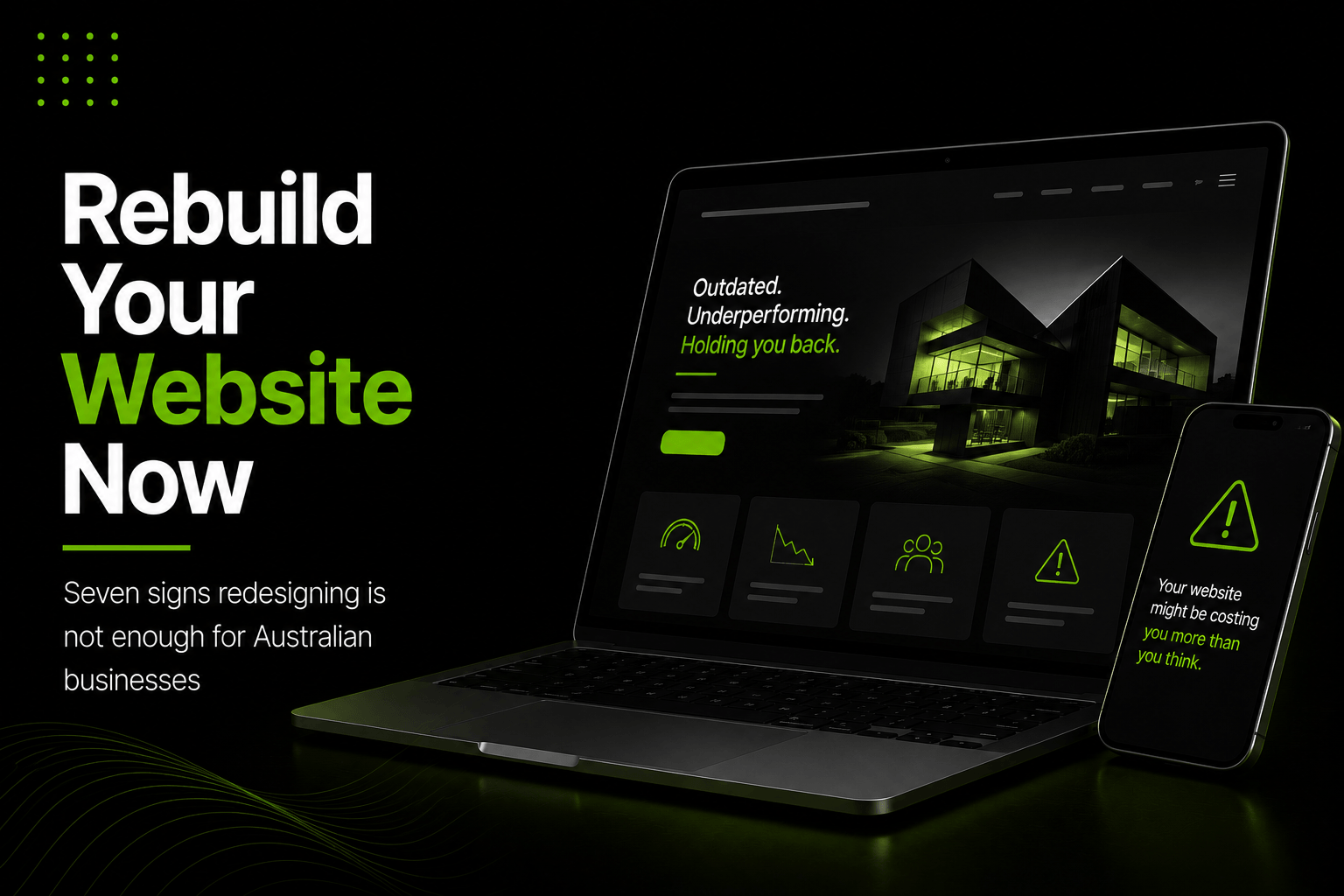
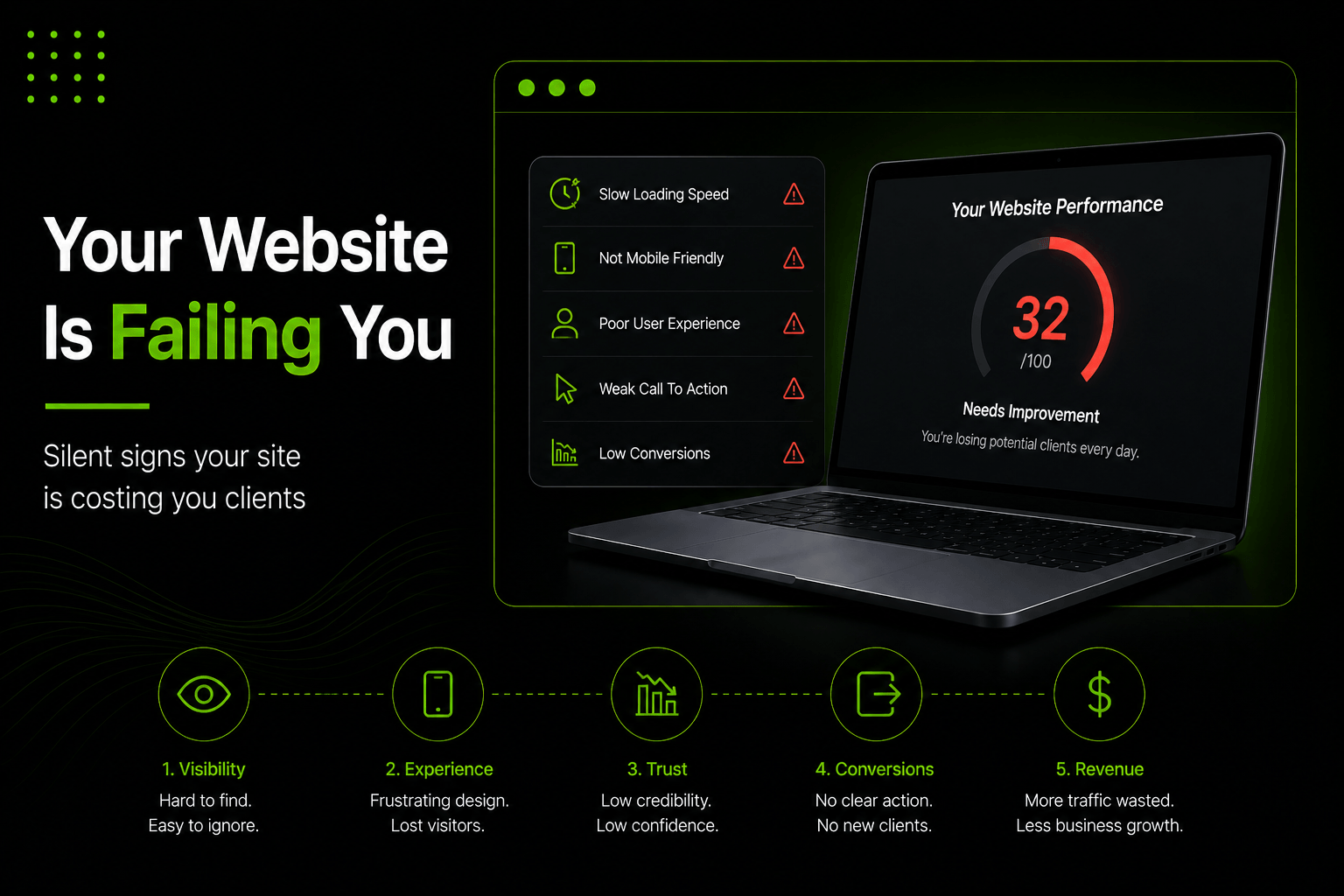
Except it is not. Not in 2026. Your website is not a passive business card sitting quietly on the internet. It is an active salesperson working around the clock - and if it has problems, those problems are actively costing you clients, damaging your credibility, and sending potential customers directly to your competitors every single day.
The dangerous thing is that most of these problems are completely invisible to you. You are not discovering your website the way a first-time visitor does - on a mobile phone, on a slow connection, arriving from a Google search they just made. Your visitors are. And many of them are making a quiet judgment and leaving without you ever knowing.
Here are the seven most common signs that your website is working against you - and exactly what to do about each one.
Sign 1: Your Website Takes More Than 3 Seconds to Load
Speed is not a technical detail. It is a first impression. When a potential client taps your website link and waits three, four, five seconds for something to appear, they are already forming a negative opinion of your business before they have read a single word.
Speed costs you conversions. Every additional second of load time measurably reduces the share of visitors who complete an action, and a large proportion of mobile users abandon a page that takes more than about three seconds. Google also uses page speed as a direct ranking factor - slow websites rank lower, which means fewer people find you in the first place.
Why You Never Notice This Problem Yourself?
Business owners almost never experience slow load times on their own website because they visit it regularly. Returning visitors have the site cached in their browser, making it load instantly. First-time visitors on a fresh connection see the true load time - and they leave.
What to Do Right Now?
- Go to Google PageSpeed Insights and test your website URL
- If your mobile score is below 70, you have a problem costing you business
- Common fixes include compressing images, enabling caching, and upgrading hosting
- Ask your web developer to run a Core Web Vitals audit and fix every failure
Sign 2: It Looks Broken or Difficult on Mobile
Mobile and tablet together account for about 46% of Australian web traffic, with desktop still ahead on 53.8% (StatCounter, July 2026). That means the majority of people discovering your business for the first time are seeing it on a small screen, tapping with their thumb, and trying to read content that may have been designed purely for desktop.
If your website has text that is too small to read without zooming in, buttons that are too close together to tap accurately, images that overflow the screen edges, or a navigation menu that is difficult to use on a small screen - every one of those visitors is having a frustrating experience with your business before they have even read about your services.
How to Test This Immediately?
- Pick up your phone and visit your own website as a first-time customer would
- Navigate to your services page using only your thumb
- Try to find and tap your phone number
- Attempt to fill in and submit your contact form
- If any of those steps feel annoying or difficult - your visitors feel the same way
Sign 3: Your Contact Information Is Hard to Find
This sounds too simple to be a real problem. It is one of the most common problems on Australian business websites.
A potential client has found your website, read about your services, decided they are interested, and is ready to make contact. If they cannot immediately find your phone number, email address, or a simple contact form - if they have to hunt through pages or scroll past walls of text - many of them will simply give up and go elsewhere.
The Rule of Zero Friction
- Your phone number must be visible without scrolling on every single page
- On mobile, the number must be a tap-to-call link
- Your contact page must be one click away from anywhere on the site
- Your contact form should ask for as few fields as absolutely necessary
- Every extra step between the decision to contact and the act of contacting loses people
Sign 4: You Have Outdated or Incorrect Information
Nothing destroys trust faster than a potential client discovering your website is out of date. A closed location still listed as open. A service you stopped offering two years ago. A team page featuring three people who no longer work there. An upcoming event from 2023 still sitting on the homepage.
To a first-time visitor, outdated information signals one of two things: either your business is no longer active, or the people running it do not pay attention to detail. Neither conclusion encourages anyone to make contact.
Content Areas to Check and Update Every Six Months
- All service descriptions - do they reflect what you currently offer?
- Team pages and staff photos - is everyone listed still with your business?
- Pricing information - is any of it outdated or misleading?
- Blog posts - do any reference outdated technology, laws, or industry information?
- Events and promotions - has anything time-sensitive been left live?
- Testimonials and case studies - are the clients and results still relevant?
Sign 5: You Have No Social Proof Anywhere
When a potential client lands on your website for the first time, they have one central question beyond whether you offer what they need: can I trust this business? The fastest and most powerful way to answer that question is through social proof - real evidence from real clients that your business delivers on its promises.
If your website is purely promotional content telling people how great you are without any third-party evidence, potential clients have no particular reason to trust you over a competitor. A professional-looking website with no testimonials, no reviews, and no case studies is a significant missed conversion opportunity.
Types of Social Proof That Build Trust Fast
- Specific client testimonials naming a real problem and a real outcome
- Google review ratings displayed directly on the page
- Logos of recognisable clients or brands you have worked with
- Case studies showing before-and-after results with real numbers
- Industry awards, certifications, or professional memberships
- Number of clients served, years in business, or projects completed
The social proof does not need to be elaborate. Three to five genuine client testimonials placed visibly on your homepage and key service pages will immediately improve how many visitors decide to make contact.
Sign 6: Every Page Feels Like a Dead End
Every page of your website should have one clear primary goal - to guide the visitor toward a specific action. Making contact. Requesting a quote. Booking a consultation. Moving to a more detailed service page. When a visitor reaches the end of a page and has no obvious next step, they leave.
Many business websites are built as information sources rather than conversion tools. They describe services in detail but end with nothing. They tell a compelling brand story but give the reader nowhere to go. They answer questions brilliantly in blog posts but include no link to a relevant service page and no invitation to get in touch.
Call to Action Best Practices
- Every key page needs a single, specific, clearly worded call to action
- The CTA must be visible without scrolling on both desktop and mobile
- Use action-oriented language: "Book a Free Consultation" beats "Contact Us"
- Make the CTA button stand out visually - it should not blend into the page
- Repeat the CTA at the bottom of longer pages so readers do not have to scroll back up
Sign 7: Your Website Has Never Been Updated Since It Was Built
A website is not a finished product. It is a living business tool that needs to be continuously maintained, improved, and updated to stay relevant, functional, and competitive. Search engines reward websites that are regularly updated with fresh content. Browser and security standards change over time - a site built to 2019 standards may have compatibility issues, security vulnerabilities, or accessibility problems silently damaging both the user experience and your Google rankings.
Beyond the technical side, your business changes over time. New services. New team members. New results. New testimonials. If your website does not reflect the current reality and achievements of your business, it is presenting an outdated version of you to every potential client who discovers you.
Signs Your Website Needs Immediate Attention
- It has not been updated in more than twelve months
- The design looks noticeably dated compared to your competitors
- It is not ranking for any relevant keywords in Google Search Console
- Your Google Analytics shows high bounce rates across all pages
- Visitors spend less than thirty seconds on the site on average
- You feel embarrassed sending potential clients to it
What to Do Next?
If you recognised your website in any of the seven signs above, you are not alone. The majority of Australian business websites have at least two or three of these issues working against them right now. The encouraging thing is that every one of them is completely fixable.
Start with a thorough website audit - looking at load speed, mobile experience, content accuracy, social proof, calls to action, and technical SEO together. Prioritise the fixes that will have the biggest impact on the visitors who are already arriving. You do not necessarily need more traffic. You need to make better use of the traffic you already have.