How UX Design Improves Conversion Rates - What the Research Actually Shows?
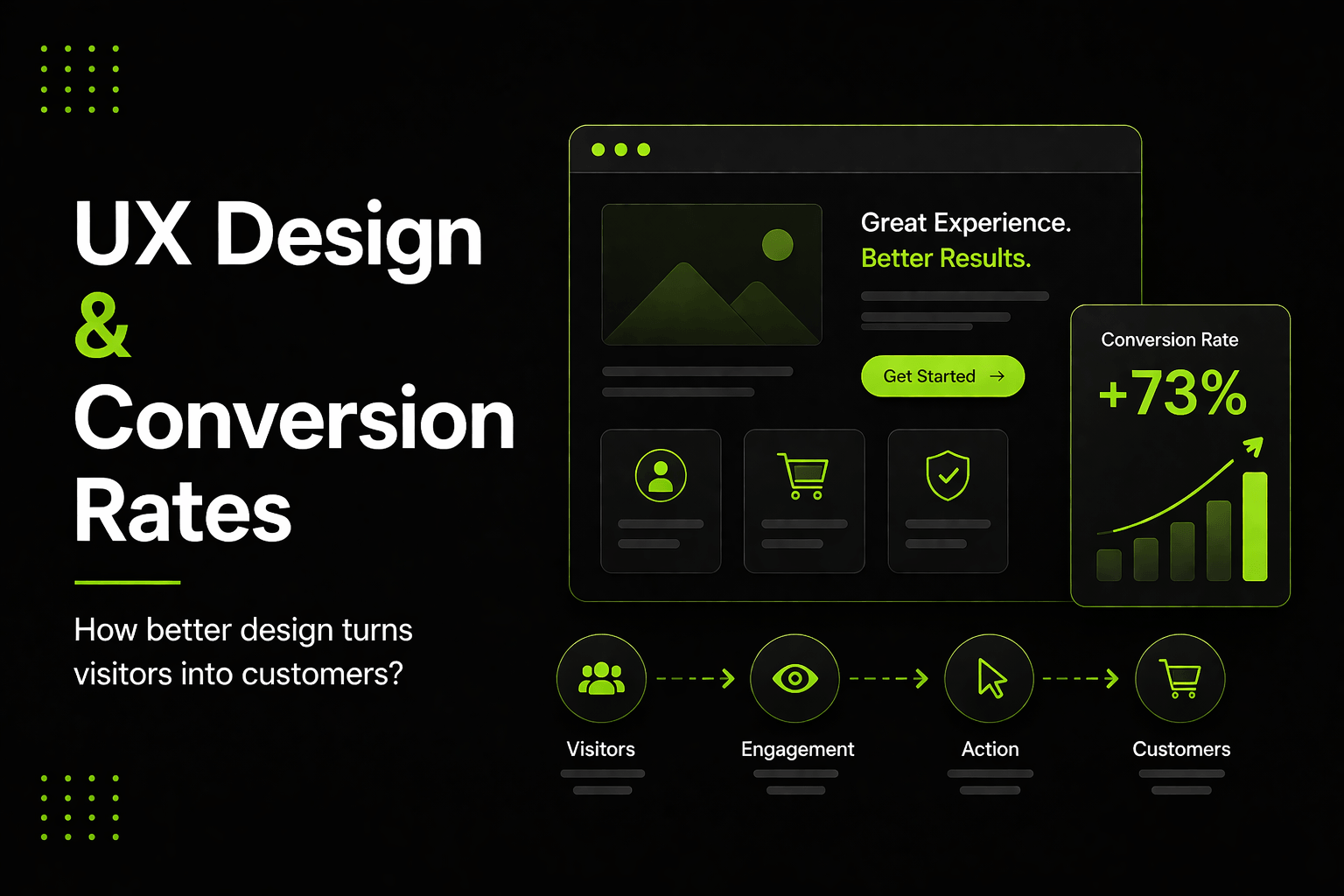
Conversion rate is one of the most important numbers in digital business. It measures how many visitors take the action you want - buying, enquiring, signing up, booking. Most businesses focus on driving more traffic when conversions are low. But traffic cannot fix a broken experience.
If users cannot figure out what to do, do not trust what they are seeing, or find the process too frustrating - they will leave without converting, no matter how many arrive. UX design is the discipline that removes those barriers. The link between user experience and conversion rate is not theoretical. It is one of the most well-documented relationships in digital marketing.
What Friction Actually Costs Your Business
Friction is anything that makes a user hesitate, slow down or give up. It takes many forms. A form with too many fields. A checkout with too many steps. A page that loads slowly. A call to action that is hard to find. Navigation that does not match how users think. Copy that raises questions instead of answering them.
Each friction point has a drop-off cost. Some percentage of users who encounter it will leave rather than push through. That percentage compounds across your entire funnel. A 5% drop-off at each of five steps means you lose more than 22% of users before they reach your conversion point - even when each individual step feels almost fine.
Identifying and removing friction is exactly what a UX design audit does. It finds where users are dropping off and why - then gives you a prioritised list of improvements based on their impact on conversion.
The UX Improvements That Move Conversion the Most
Not all UX improvements are equal. Some move the needle dramatically. Others are refinements that matter but deliver smaller gains. These are the improvements with the highest conversion impact.
Page load speed
Speed is the single highest-impact UX factor for conversion. Users abandon pages that load slowly. Every additional second of load time reduces conversions measurably. Improving page speed is not purely a design problem, but it is absolutely a UX problem - and it should be addressed first in any conversion improvement process.
Clear and prominent calls to action
Users should never have to hunt for the next step. The primary action on every key page should be visually distinct, clearly worded and easy to reach. A CTA that blends into the page, uses vague language or requires the user to scroll past extensive content will consistently underperform - regardless of how good the rest of the page is.
Simplified forms
Forms are where many conversions fail. Every field you add reduces completion rates. The discipline in form design is removing every field that is not absolutely necessary. Progressive disclosure - asking for information across multiple short steps rather than all at once - consistently improves completion rates for longer forms.
Trust signals at the right place
Users convert more readily when they trust what they are seeing. Trust signals include client logos, testimonials, security indicators, clear contact information and social proof. Placement matters as much as presence. They are most effective near the conversion point - not buried in the footer.
The Role of Information Architecture in Conversion
Information architecture - how your content is organised and labelled - has a significant effect on conversion that is frequently overlooked. If users cannot find what they are looking for quickly, they do not search harder. They leave.
Good information architecture means users always know where they are, can always see where to go next, and can find what they need without effort. This is established through wireframing and user testing before the visual design begins - which is why these stages are so valuable.
How to Conduct a UX Audit for Your Digital Product
A UX audit is a systematic review of your digital product to identify usability issues and conversion barriers. The most valuable inputs are analytics data showing where users drop off, session recordings showing what they actually do, heatmaps showing what they click and ignore, and direct user feedback.
The output of a good UX audit is a prioritised list of issues with clear recommendations - ordered by the combination of impact and effort. This gives you a practical roadmap for improving conversion without guessing.
Common findings include:
- Key CTAs positioned below the fold or visually understyled
- Navigation labels that do not match the language users use to describe what they want
- Forms with unnecessary fields or unclear error messaging
- Pages with competing calls to action that confuse rather than guide
- Mobile experiences that work poorly on real devices despite appearing fine in a browser
UX Design, SEO and AI Overviews
Good UX design has a direct effect on your search engine performance. Pages that users engage with - staying longer, scrolling further, completing actions, returning - send positive behavioural signals to Google. Lower bounce rates and higher dwell time correlate with better rankings. UX design and SEO are not separate strategies. They reinforce each other.
There is also an emerging connection between UX design and AI-powered search. Google's AI Overviews and tools like Perplexity and ChatGPT prefer to cite content that is clearly structured, factually accurate, and easy to extract key information from. These are the same qualities that make a page easy for users to navigate. Well-designed content - with clear headings, logical structure and concise answers - performs better in both traditional search and AI-generated responses.
The Compound Effect of UX Improvements
One of the most powerful aspects of UX-driven conversion optimisation is that improvements compound. A 10% reduction in bounce rate, a 10% improvement in form completion, and a 10% increase in CTA engagement do not add up to a 30% overall improvement - they multiply, producing a significantly larger total gain.
This is why businesses that invest consistently in UX design see accelerating returns over time. Each improvement makes the next one more valuable. And the cumulative effect of a well-designed user journey is a conversion rate that consistently outperforms competitors who have not made that investment.
Where to Start
If you have not yet invested in UX design, the most practical starting point is a focused audit of your highest-traffic, highest-intent pages - the ones where users are most likely to convert, and where friction is therefore most costly. Look at your bounce rate, exit pages and form completion data. These three metrics will quickly show you where your biggest opportunities are.
Work with an experienced UI UX design agency to investigate the reasons behind those numbers and build a design-led solution. Better UX design does not just improve your conversion rate. It improves your customers' experience, reduces support load, strengthens your brand reputation and makes your business easier to scale. The return on investment is real, measurable and shows up faster than most businesses expect.
Frequently Asked Questions
Q1. How does UX design affect conversion rate?
UX design affects conversion rate by removing friction from the user journey. Every point where users get confused, hesitate or cannot find the next step is a conversion barrier. Good UX design identifies these barriers through user research and usability testing, then systematically removes them. The result is a cleaner path to conversion that more users complete successfully.
Q2. What is a UX audit and how much does it cost?
A UX audit is a structured review of your digital product to identify usability issues and conversion barriers. It typically involves analytics analysis, session recording review, heatmap analysis, usability testing and expert evaluation. Costs in Australia range from $1,500 for a basic audit of a single page to $8,000 or more for a comprehensive product-wide audit with detailed recommendations.
Q3. Which UX improvements have the biggest impact on conversion?
Page load speed, clear and prominent calls to action, simplified forms and well-placed trust signals consistently deliver the highest conversion impact. After these, information architecture improvements - making it easier for users to find what they need - often produce significant gains, particularly on larger sites with complex navigation.
Q4. Does UX design help with SEO?
Yes. User behaviour signals - bounce rate, time on page, task completion - are factors that Google considers when ranking pages. A page that provides a good user experience and keeps users engaged will generally rank better than one with poor usability. UX design and SEO are not separate disciplines - they reinforce each other when done well.
Q5. How long does it take to see conversion improvements from UX changes?
Simple changes like improving CTA visibility or reducing form fields can show measurable results within days of implementation. Larger structural improvements take longer - typically two to eight weeks to gather enough data to measure impact reliably. The key is making changes one at a time where possible, so you can clearly attribute results to specific improvements.