WordPress vs Custom CMS — Which One Is Actually Right for Your Business in 2026?
What Is a CMS and Why Does the Choice Matter?
A CMS — content management system — is the platform that powers your website and lets you update content without needing a developer. WordPress is the most well-known example, but it is far from the only option. When you are building or rebuilding a website, the CMS you choose will affect how your site performs, how easy it is to manage, how well it ranks on Google, and how much it costs to maintain over time.
Choosing the wrong CMS is a surprisingly common and expensive mistake. Businesses that choose WordPress when they need a custom system end up fighting the platform's limitations. Businesses that commission a fully custom CMS when WordPress would have served them fine end up overspending. Getting this decision right matters.
What WordPress Does Well?
WordPress development in Australia is popular for good reason. It is the most widely used CMS in the world, which means there is a large ecosystem of developers, plugins, themes and support resources available. For businesses that need a professional website with standard functionality — pages, blog, contact forms, basic ecommerce — WordPress is fast to set up, affordable to maintain, and easy for non-technical staff to update.
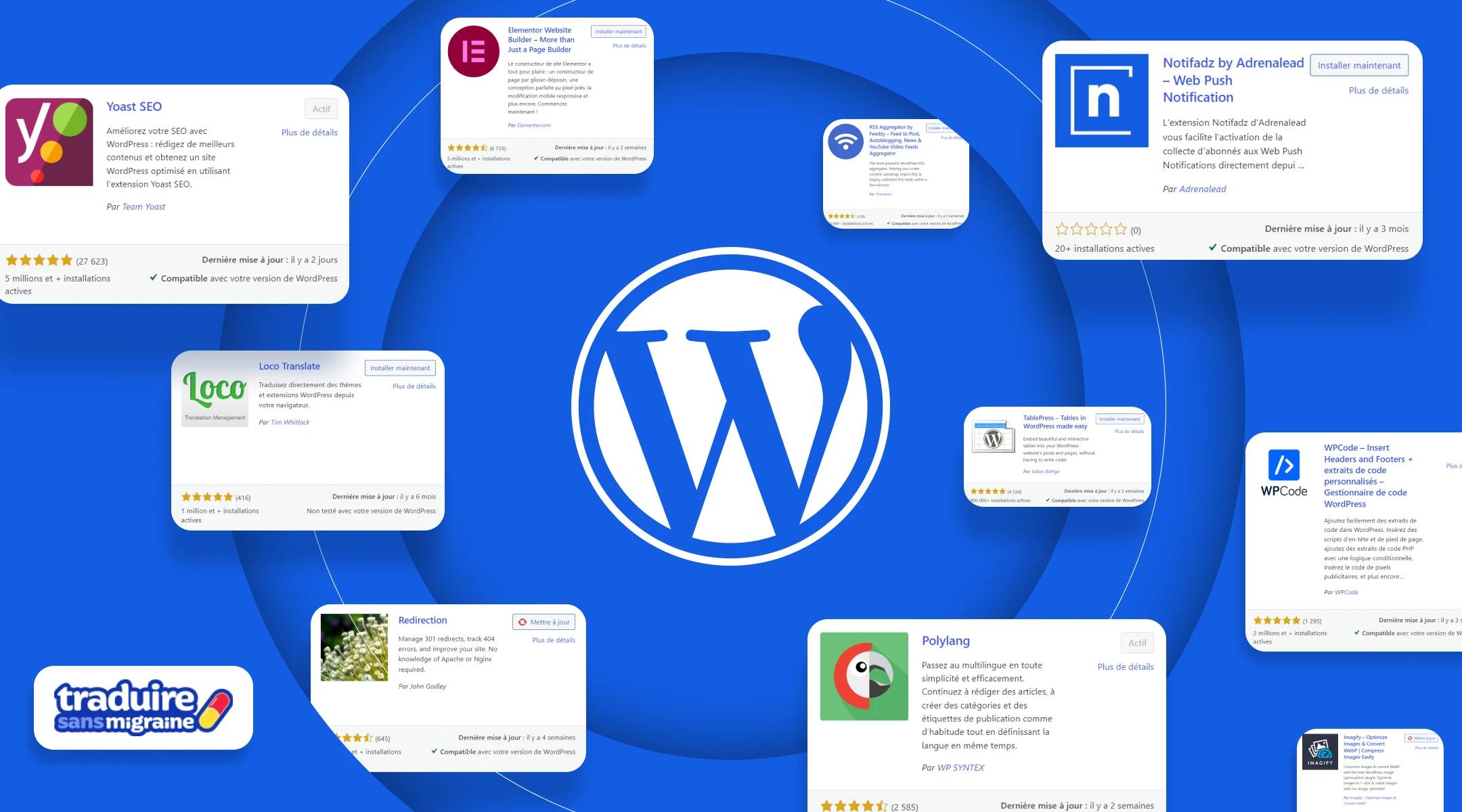
The plugin library is one of WordPress's greatest strengths. Almost any standard feature you can think of — SEO tools, booking systems, payment gateways, email marketing integrations — can be added through a plugin. For smaller businesses with straightforward requirements, this significantly reduces the cost and time of getting a functional website live.
The Limitations of WordPress
WordPress becomes a liability when your requirements go beyond what its architecture was designed for. Performance at scale is one of the most common issues. A WordPress site with many plugins, high traffic, and complex functionality can become slow, resource-heavy and difficult to optimise without significant custom development. At that point, you are effectively fighting the platform rather than using it.
Security is another ongoing concern. Because WordPress is so widely used, it is a consistent target for automated attacks. Keeping a WordPress site secure requires regular plugin updates, careful plugin selection, and active monitoring. For businesses that lack the time or expertise to manage this, it becomes a real operational burden.
When a Custom CMS Wins?
A custom CMS development approach makes sense when your content structure, workflow requirements, or technical needs genuinely exceed what WordPress can handle cleanly. This is more common than many businesses realise.
If you are building a platform with complex relationships between content types, a large number of user roles with different permissions, deep integration with external systems like a CRM or ERP, or a highly specific publishing workflow — a custom CMS built on a headless architecture will almost always outperform a WordPress-based solution.
Headless CMS vs WordPress is a comparison that comes up frequently. A headless CMS separates the content management backend from the frontend presentation layer. This gives developers complete freedom over the frontend experience while keeping content management clean and structured. The result is typically faster performance, better scalability and a more modern codebase. The trade-off is higher upfront development cost and a smaller ecosystem of ready-made plugins.
Speed and Performance Comparison
Performance matters for both user experience and search rankings. Out of the box, a headless or custom CMS generally outperforms WordPress on speed because it does not carry the overhead of a plugin-heavy architecture. WordPress can be made fast with proper development and optimisation, but it requires deliberate effort at every stage of the build and ongoing maintenance to stay performant.
For businesses with high traffic volumes, complex dynamic content, or performance-sensitive applications, the performance advantage of a custom build is significant. For a standard business website with moderate traffic, a well-built WordPress site is fast enough.
Maintenance Differences Over Time
This is where the true cost comparison becomes clear. WordPress maintenance is ongoing and non-negotiable. Core updates, plugin updates, theme updates, security monitoring, backup management — these are regular tasks that either take your time or cost money to outsource. A neglected WordPress site deteriorates. Plugins fall out of date. Compatibility issues arise. Security vulnerabilities open up.
A custom CMS typically has lower ongoing maintenance overhead because it has no plugin dependencies and fewer moving parts. Updates are controlled and intentional rather than constant. The downside is that any changes or additions require a developer — there is no plugin to install. For businesses with a development partner this is not a problem, but for those who want total independence it is worth considering.
SEO Implications of Each Platform
Both WordPress and custom CMS platforms can rank well on Google. SEO performance is not determined by the CMS itself — it is determined by how the site is built and maintained. That said, there are some practical differences.
- WordPress has excellent native SEO plugin support — Yoast and RankMath make technical SEO accessible to non-developers
- A custom or headless CMS requires SEO features to be built in, but when done well they are often more precise and performant
- Page speed, which directly affects rankings, tends to be more consistent on custom builds
- WordPress plugins can create technical SEO issues if not managed carefully — duplicate content, bloated scripts, excessive redirects
Cost Over 3 Years — A Realistic Comparison
WordPress tends to have a lower upfront cost, especially for standard projects. But the total cost of ownership over three years often tells a different story. WordPress maintenance, plugin licences, security costs and performance optimisation add up. A custom CMS has a higher upfront investment but typically lower ongoing costs and fewer unexpected expenses.
The right comparison is not which platform is cheaper to start — it is which platform costs less to own, maintain and evolve over the period you plan to use it.
A Simple Decision Framework
If you are trying to decide between WordPress and a custom CMS for your next project, here is a practical starting point.
- Choose WordPress if your needs are standard, your budget is limited, you want fast time to launch, and your team will manage content themselves
- Choose a custom or headless CMS if your content structure is complex, performance is critical, you have specific integration requirements, or you expect significant growth
- Choose a custom CMS if you are building a product or platform rather than a marketing website
- Get a specialist opinion if you are not sure — a good CMS and WordPress development company will assess your requirements and recommend the right fit, not just the platform they prefer to build on